Search for an Alert
DirectorX users can search for a specific alert, or alerts, from the Alert Manager (Tools) panel in DirectorX.
Steps
Use the following steps to search for an alert.
- Log In to DirectorX.
- Select Tools>Alert Manager. The Alert Manager panel opens.
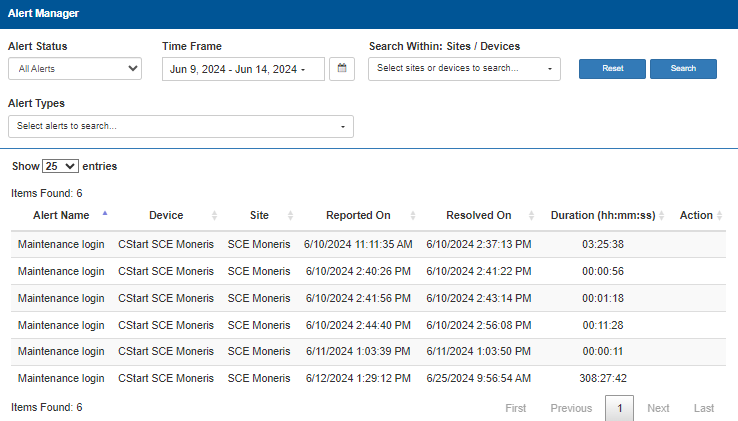
- In Alert Status, select the status of the alert to locate.
- In Time Frame, select the time period to search.
- In Search Within: Sites / Devices, select the site/device to search, and then select Apply.
- In Alert Types, select the type of alert to search for, and then select Apply.
- Select Search.
Updated:: 040126